
IoT & DEVICES
Connect on-site equipment to your operations.
We turn information from sensors and measuring equipment into data you can review, record, and use to make decisions. We design a system that fits your operations, connecting device communications to screens, data storage, and report generation.

What does IoT development involve?
Here is an example of the process, from our first conversation to using the solution on site.
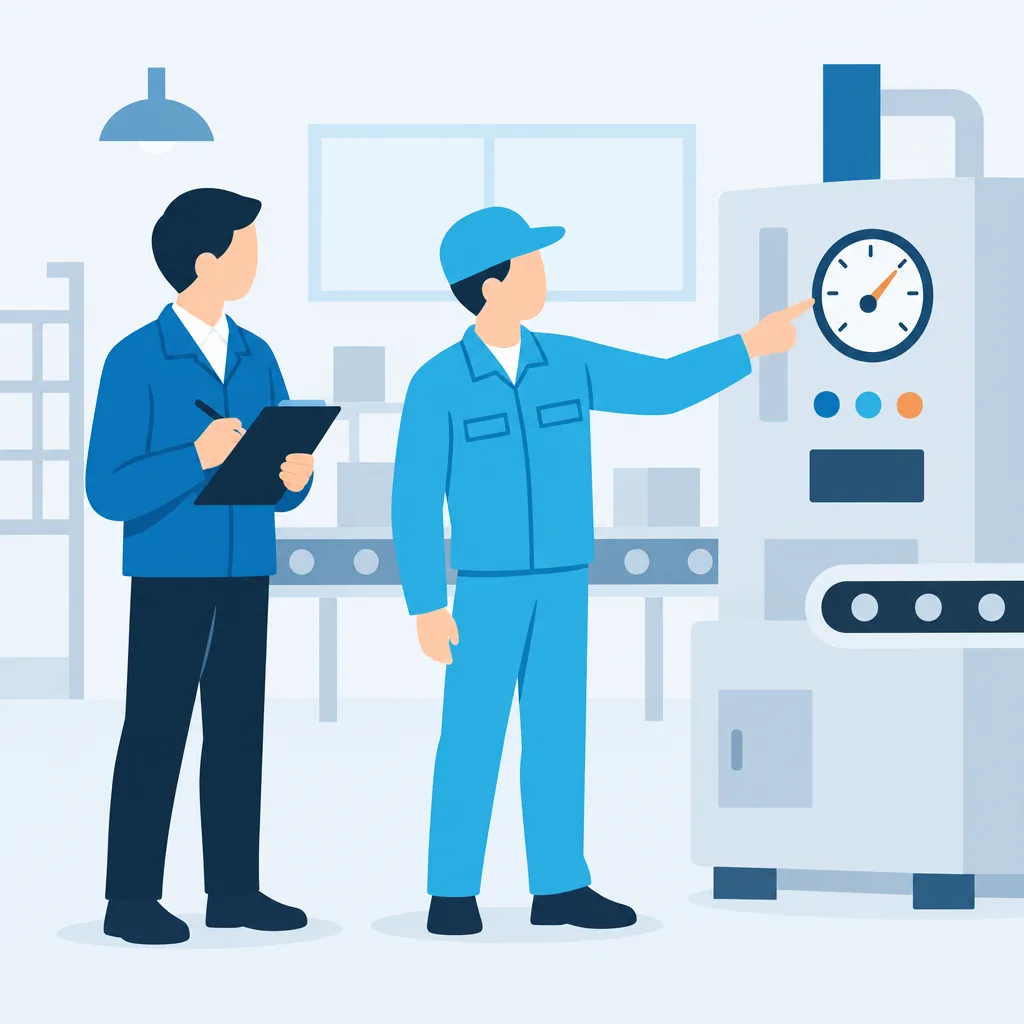
Review your equipment and worksite
We check model numbers, communication methods, and where the equipment is used.
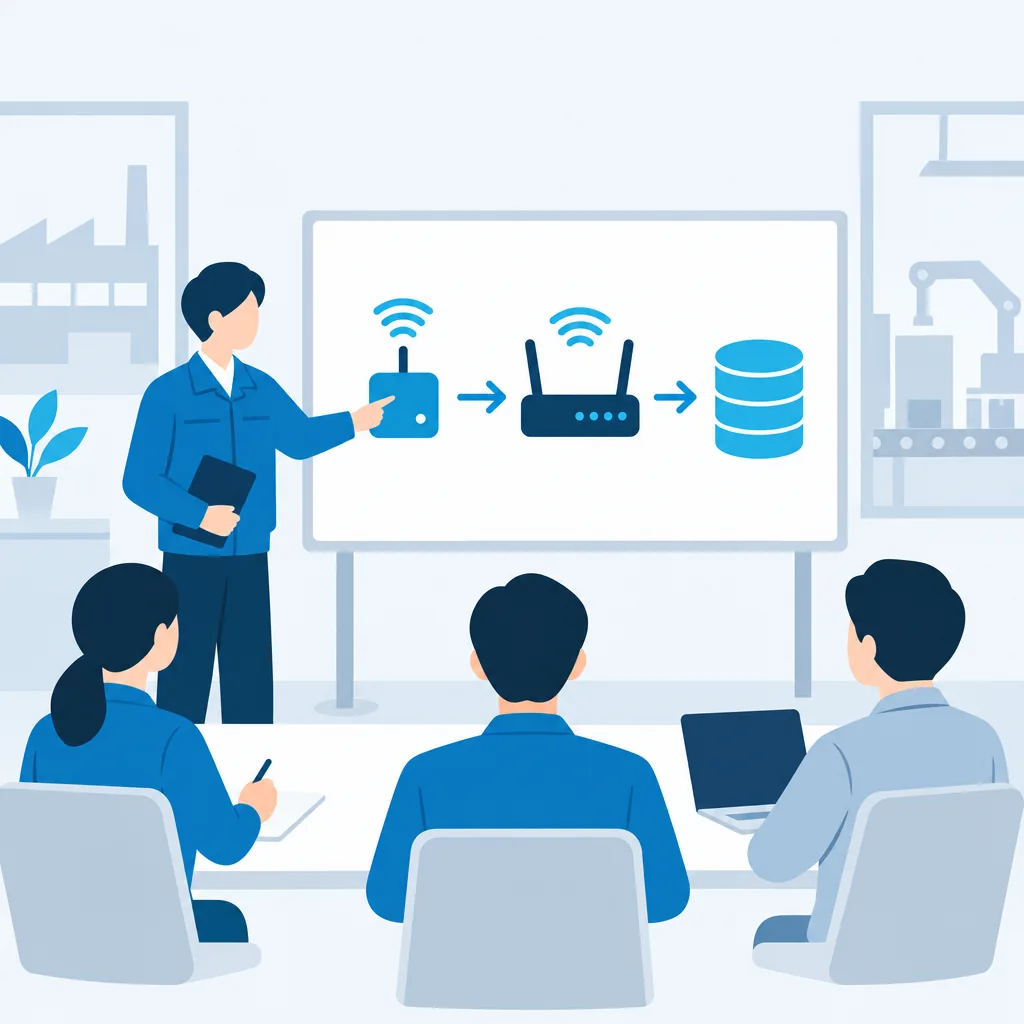
Plan how everything connects
We decide how to collect the data and where to store it.
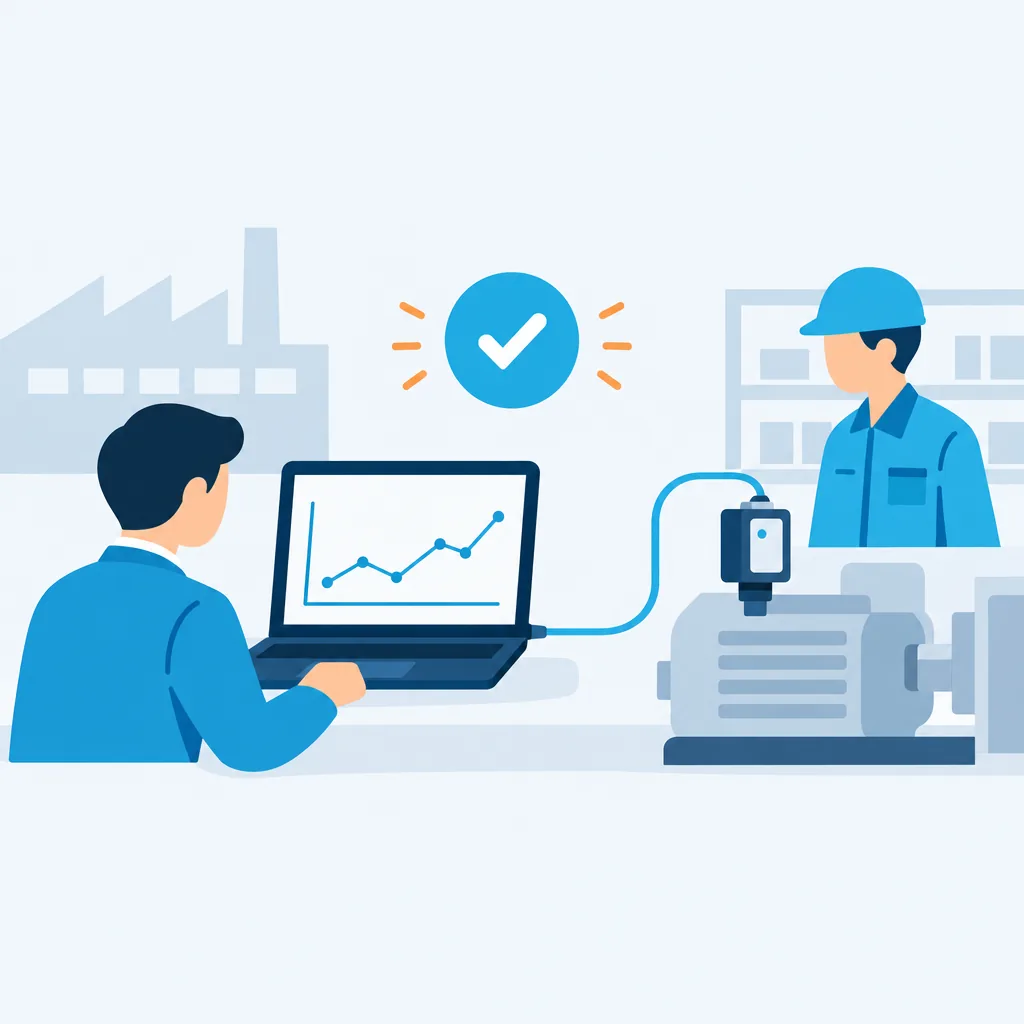
Build a prototype
We connect it to the actual equipment and check that the data comes through.
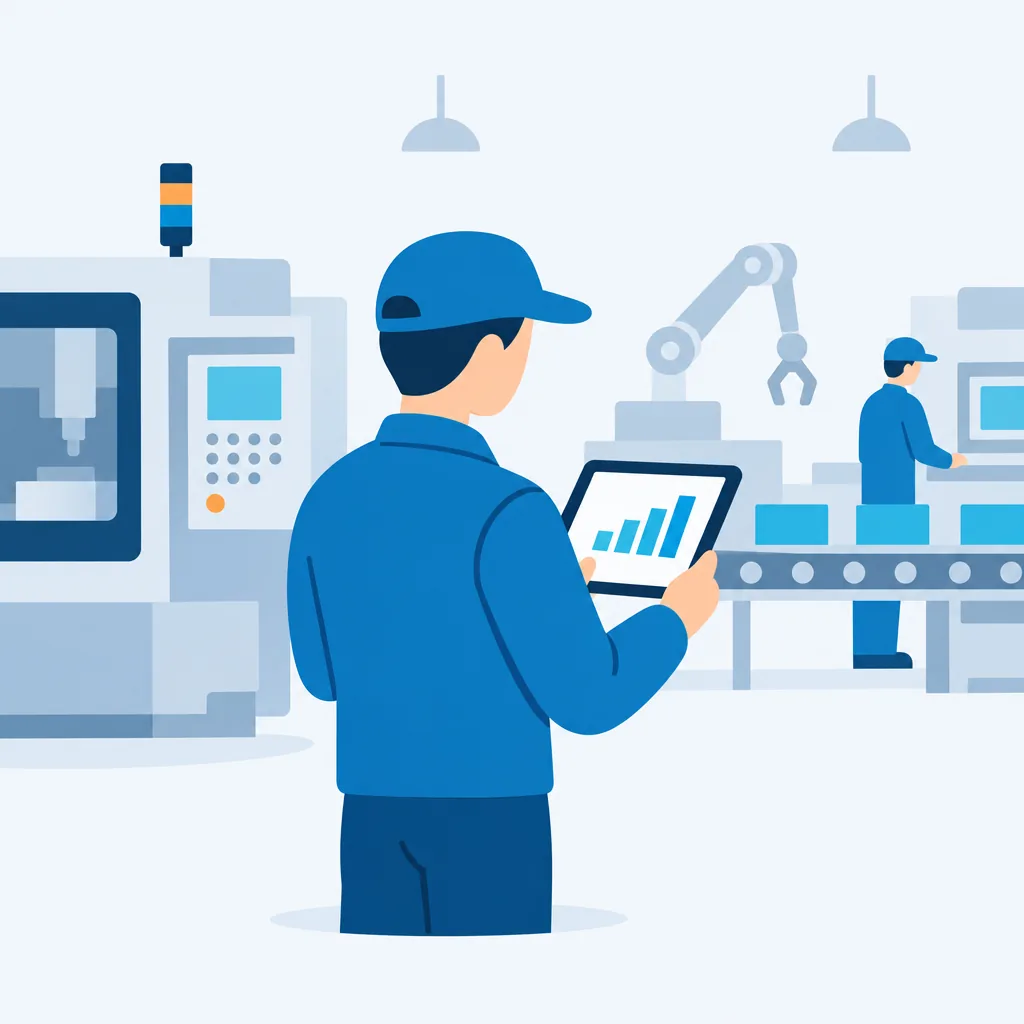
Put it to work on site
We refine the solution as your team uses it.
Challenges that require both equipment and software
Measurements are copied by hand
Records are scattered across devices
Cannot check on-site conditions from the office
From data collection to record keeping
Sensors and measuring equipment → Communication → Business application interface → Data storage → Report generation

Sensors and measuring equipment
Measure values such as temperature, pressure, and vibration.

Communication
Receive measurements wirelessly over Bluetooth (BLE) or Wi-Fi, or through a cable.

Business application interface
Display readings on a computer or smartphone.

Data storage
Record readings along with timestamps and equipment information.

Report generation
Generate daily reports and inspection sheets from records.
Explore what IoT could do for your operations
 BeforeWith IoT
Automate recording of measurements
For example, automatically record instrument readings without copying them onto paper.
Receive readings from measuring equipment and save them with timestamps and equipment details, reducing manual copying and transcription errors.
 BeforeWith IoT
Make on-site conditions visible
For example, check each production line’s status and temperature on screen from the office.
Collect sensor and equipment status and display it on office computers or phones. We can also add alerts when readings exceed agreed thresholds.
 BeforeWith IoT
Automated report generation
For example, generate daily inspection reports from saved data.
Generate reports such as daily logs and inspection sheets from saved measurement data. We can also discuss output in your existing formats.
 BeforeWith IoT
Connect smartphones and devices
For example, view measurements from a small device on a phone and send them onward.
We connect small devices to smartphone apps over Bluetooth (BLE) and similar technologies, so measurements can be displayed on the phone or sent to a data store.
These are examples of ways we can help, not past projects.


How we validate a solution
Check model numbers and communication specifications
Check the device model, how it communicates, and whether documentation is available.
- What we ask you to confirm
- Please check the device model number. If you have a specification sheet, please prepare it as well.
- Criteria to move to the next step
- Confirm a feasible connection approach and agree on the prototype scope.
Prototype and device testing
Connect to the actual device and use a prototype to check whether it can receive readings.
- What we ask you to confirm
- Check that the readings shown by the prototype match the device display.
- Criteria to move to the next step
- Confirm that readings are received correctly and agree on the scope of on-site testing.
On-site testing
Run the system for a set period under the site’s power and network conditions.
- What we ask you to confirm
- Try it in your day-to-day work and tell us what is difficult to use.
- Criteria to move to the next step
- Address issues found during testing and agree on the implementation scope and schedule.
Implementation
Deploy to production equipment and environments, and explain how to use the system.
- What we ask you to confirm
- Have on-site staff verify the operation.
- Criteria to move to the next step
- Agree on an operations owner and support contact before handoff.
What we confirm during a consultation
Conditions to confirm
- Model numbers and communication specifications
- On-site environment
- Power and network
- Permitted downtime
- Safety-related operations
- Maintenance owner
Items scoped for each project
- Mass production
- Custom circuit boards
- Certification
- Equipment safety
- On-site construction
- Equipment procurement and warranty
Still figuring out what to build?
Whether you want to reduce manual work or bring a service idea to life, we’ll help clarify your goals and explore a practical path forward.