
COMFYUI
Make image and video generation part of your production workflow.
Generation alone does not make a tool part of your production work. We set up ComfyUI and production workflows around your use cases, reproducibility, handoffs, and operations. We tailor setup, improvements, and adoption support to your current challenges.

What does ComfyUI support involve?
Here is an example of the process, from our first conversation to using ComfyUI in production.

Discuss what you want to create
We review your use case and current production workflow.
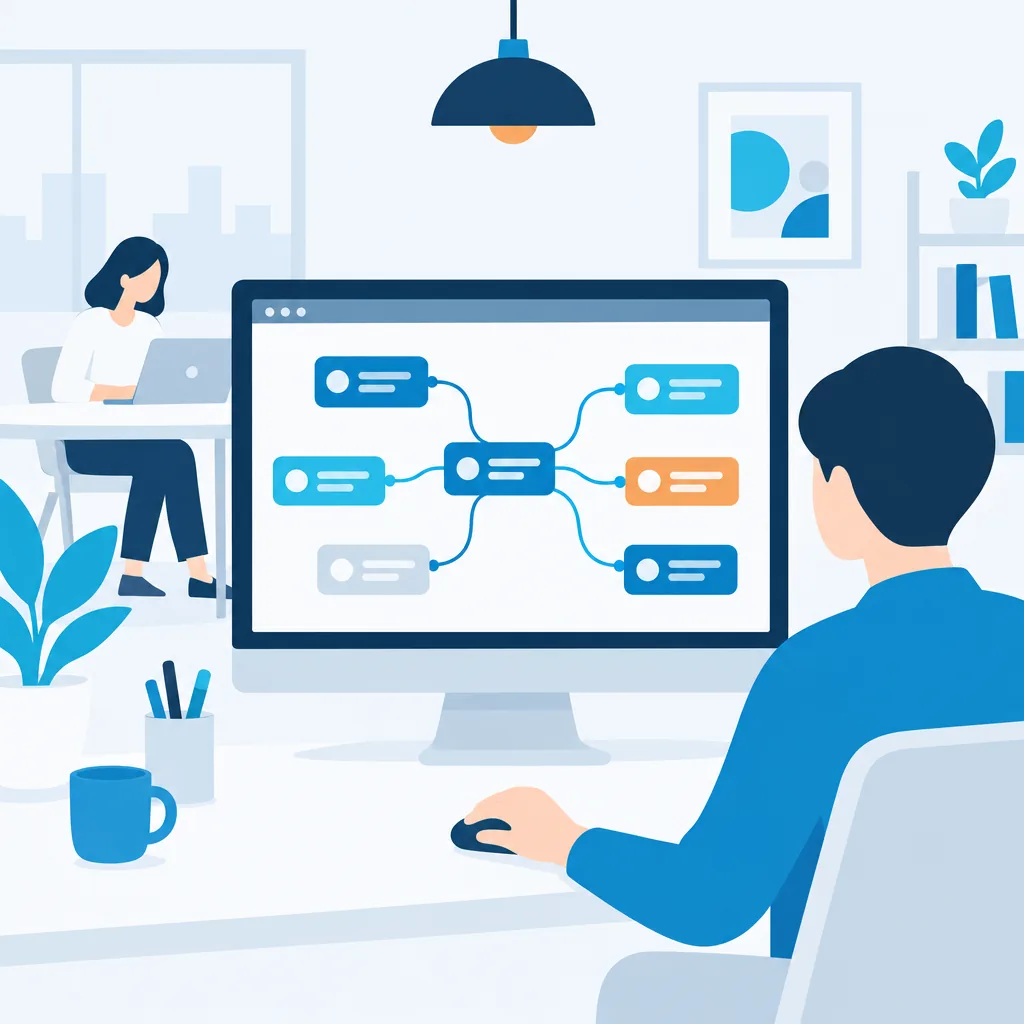
Build a workflow
We put together a generation process for your use case.
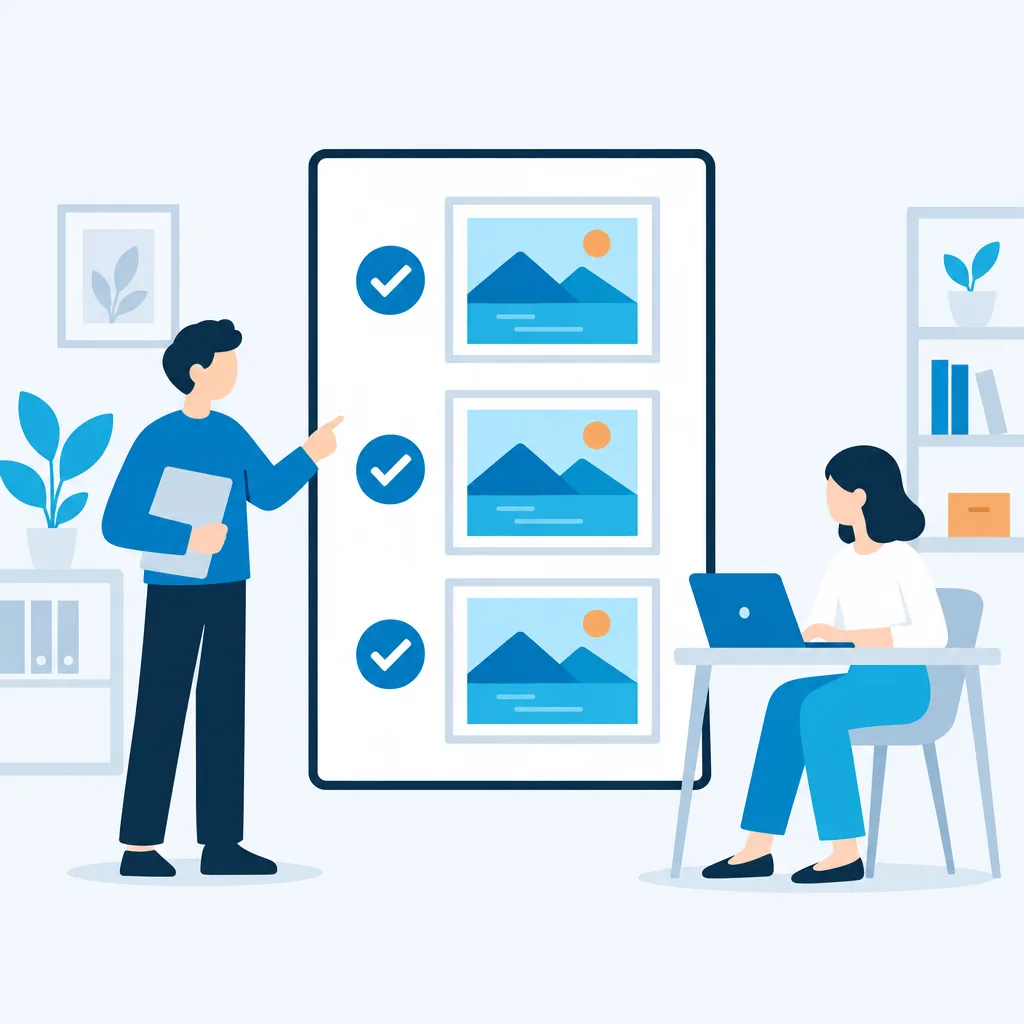
Make results consistent
We document settings and steps so your team can hand them over.

Keep using it in production
We train your team and refine the workflow as they use it.
What we can help you with
Workflow Development and Improvement
Build and refine generation workflows for your use case.
Environment setup
Set up an environment on company computers or in the cloud.
Integrate with production workflows
Integrate generation into your current production workflow.
Document operating procedures
Document a consistent process for team members
Training
Learn how to use it and what to watch for through hands-on work.
Explore how ComfyUI could support your work
 BeforeWith ComfyUI
Create product image variations
For example, create batches of product images with different backgrounds and presentations at consistent quality.
Build a workflow that creates images with different backgrounds and compositions from product photos. Save the settings so different team members can produce consistent results.
 BeforeWith ComfyUI
Create assets for advertising and social media
For example, quickly generate multiple concepts for campaign images.
Prepare generation workflows tailored to each channel’s aspect ratio and style, reducing effort from concept development to final output.
 BeforeWith ComfyUI
Create video assets
For example, create a short animated clip from a still image for use in a promotional video.
Build a workflow for creating videos from still images or short prompts. First, check the terms for the AI model and assets used for video generation.
 BeforeWith ComfyUI
Set up an environment for internal use
For example, even less experienced staff can start generation from a standard screen.
Set up ComfyUI on company computers or in the cloud, and standardize commonly used workflows and operating procedures.
These are examples of ways we can help, not past projects.
What we confirm for each project
Before we begin, we review four points together so you can use generated images and videos with confidence.
Licenses for models, assets, and extensions
Check permitted uses for each AI model, asset, and extension.
Commercial-use terms
Check whether generated images and videos can be used in advertising or sales.
Execution environment
Review the required performance and cost for running it on company computers or in the cloud.
Limits of quality and reproducibility
Confirm what can be produced consistently and where manual adjustments are needed.
Experience and expertise

Yasuhiro Hayano
ComfyUI Master Guide to AI Image and Video Generation (external site) (opens in a new tab)
Written by the AICU media editorial team, Akihiko Shirai, and Yasuhiro Hayano (SB Creative).
Ponotech President and CEO Yasuhiro Hayano contributed as a co-author.
This book explains how to generate images and videos with ComfyUI, starting with the fundamentals. It is written for people new to AI image and video generation and for those considering a move to ComfyUI.
Topics covered in this book
- How AI image generation and Stable Diffusion work, and how to think about model licensing
- Installing and setting up ComfyUI, ComfyUI Desktop, and Google Colab
- Creating workflows, basic operations, and using custom nodes
- Controlling images with img2img, Inpaint, Outpaint, ControlNet, and IPAdapter
- Applying styles with LoRA and considering rights
- Generating video with AnimateDiff, with creative and business use cases
Published May 2025; B5 format; 304 pages
We apply the workflow design and licensing principles explained in the book to our setup and training services.
How we work
Consultation
Discuss the images or videos you want to create and the challenges you face today.
- What we ask you to confirm
- Please provide reference images or materials that explain your current process, if available.
- Criteria to move to the next step
- Agree on the support scope and what to build first.
Review the production workflow
Review your current production workflow and the terms for the assets and AI models you plan to use.
- What we ask you to confirm
- If you have assets or AI models in mind, check their sources and commercial-use terms. Ask us about anything unclear.
- Criteria to move to the next step
- Agree on which steps to include in the workflow and the quality benchmarks.
Build and improve
Build the workflow, generate test outputs, and refine it while checking quality.
- What we ask you to confirm
- Review the generated images or videos and tell us what concerns you.
- Criteria to move to the next step
- Confirm that the target quality is achievable, then document the workflow.
Document operating procedures
Document the settings and steps so team members can produce results consistently.
- What we ask you to confirm
- Follow the instructions and tell us what is unclear.
- Criteria to move to the next step
- Confirm that team members can generate outputs by following the instructions.
Operations and training
Provide user training and begin operations.
- What we ask you to confirm
- Please choose the team members who will attend training.
- Criteria to move to the next step
- Set the contact for issues and the process for resolving them before handoff.
Still figuring out what to build?
Whether you want to reduce manual work or bring a service idea to life, we’ll help clarify your goals and explore a practical path forward.